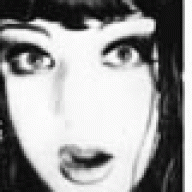
Use the lasso tool (polygonal or normal) and draw around the objects you want to keep. Hold down shift while using the lasso tool to add more objects to your selection. Once this is done...right click on the picture. A small menu will pop up....pick \"select inverse\" Doing this will select the negitive parts of the pic. (Instead of the positive parts...ie, the parts that you want to keep) Then, with the background colour set to white, simply hit delete....or pick one of the paint tools and colour in the sletect area white.
If you need anymore help, or need me to explain in further detail, please post again.